

Quarkus
Step 1: Have a Quarkus project
Section titled “Step 1: Have a Quarkus project”Obviously you need a valid Quarkus project.
Step 2: Add Mateu dependencies
Section titled “Step 2: Add Mateu dependencies”In case you are using maven:
<dependency> <groupId>io.mateu</groupId> <artifactId>quarkus-core</artifactId> <version>3.0-alpha.289</version></dependency><dependency> <groupId>io.mateu</groupId> <artifactId>annotation-processor-quarkus</artifactId> <version>3.0-alpha.289</version></dependency> <!-- you need the one below if you want to also serve the static content --><dependency> <groupId>io.mateu</groupId> <artifactId>vaadin-lit</artifactId><!--available artifacts are: vaadin-lit (Vaadin) and redwood (Oracle Redwood / Visual Builder)--> <version>3.0-alpha.289</version></dependency>Since JDK 23 javac no longer runs annotation processors found on the compile classpath by default, so with maven you also need to enable annotation processing explicitly:
<plugin> <artifactId>maven-compiler-plugin</artifactId> <configuration> <proc>full</proc> </configuration></plugin>Or, in case you are using Gradle:
implementation("io.mateu:quarkus-core:3.0-alpha.289") implementation("io.mateu:vaadin-lit:3.0-alpha.289") annotationProcessor("io.mateu:annotation-processor-quarkus:3.0-alpha.289")Step 3: Create your Mateu UI
Section titled “Step 3: Create your Mateu UI”Nothing special is required. Just annotate your class with @UI:
package com.example.demo;
import io.mateu.uidl.annotations.UI;
@UI("")public class HelloWorld {
}
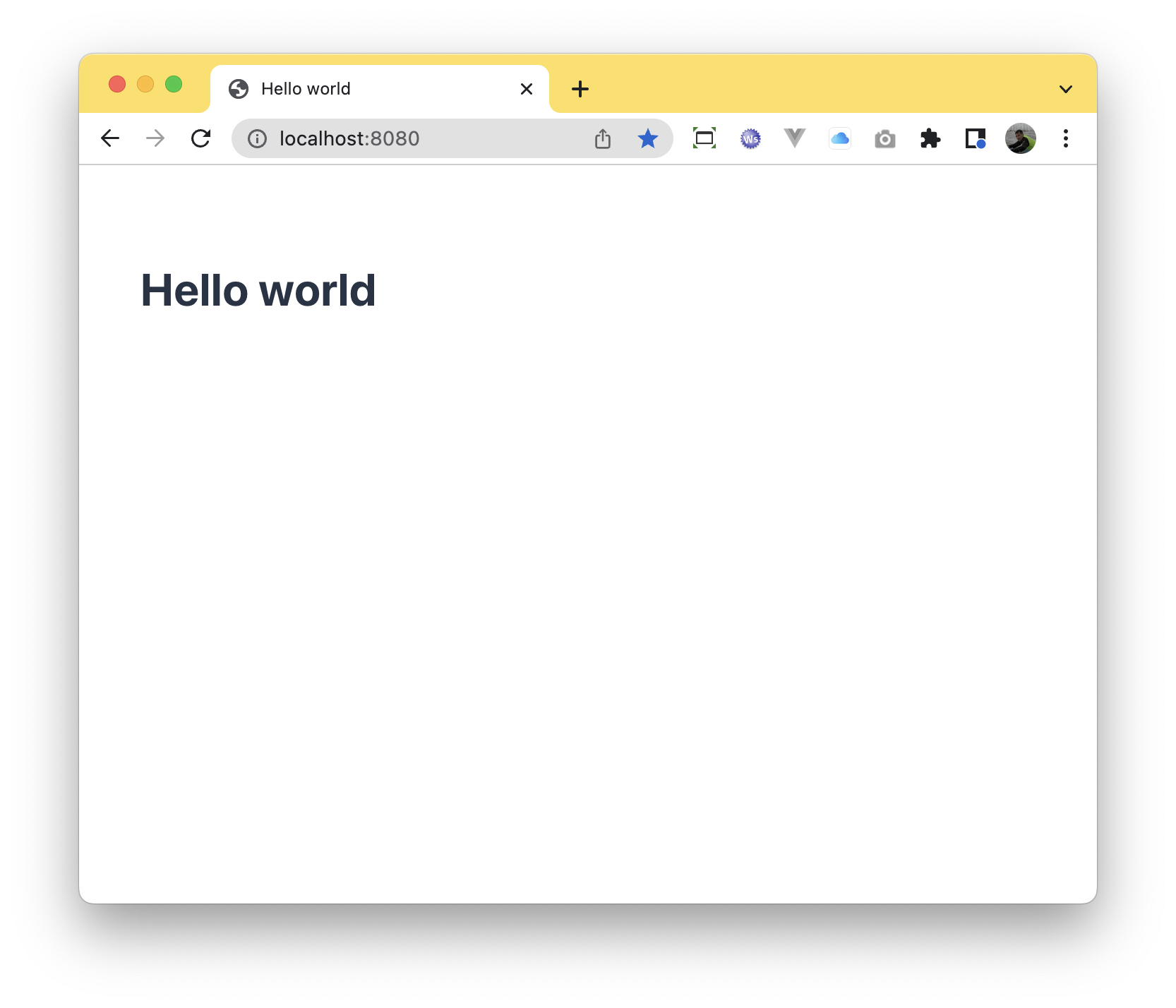
When you run you spring boot application, you will find your ui at http://localhost:8080 (for the code above) as expected:
Troubleshooting
Section titled “Troubleshooting”In case you are using a maven project and you are setting custom annotation processor paths (e.g. because you are using mapstruct) you must add the annotation processor from Mateu, in your pom.xml:
<build> <plugins> <plugin> <groupId>org.springframework.boot</groupId> <artifactId>spring-boot-maven-plugin</artifactId> </plugin> <plugin> <groupId>org.apache.maven.plugins</groupId> <artifactId>maven-compiler-plugin</artifactId> <version>3.13.0</version> <configuration> <source>21</source> <target>21</target> <annotationProcessorPaths> <path> <!-- when using mapstruct --> <groupId>org.mapstruct</groupId> <artifactId>mapstruct-processor</artifactId> <version>${org.mapstruct.version}</version> </path> <path> <groupId>io.mateu</groupId> <artifactId>annotation-processor-quarkus</artifactId> <version>3.0-alpha.289</version> </path> <!-- other annotation processors --> </annotationProcessorPaths> </configuration> </plugin> </plugins> </build>