

Checklist
Status: ✅ Implemented
Intent
Section titled “Intent”Show a set of tasks with their completion state and overall progress — an onboarding flow, a setup guide, a release checklist, acceptance criteria — so what’s left to do reads at a glance.
Solution
Section titled “Solution”Use the Checklist component: an optional title and a list of ChecklistItems (label, done flag, optional actionId). The header shows done / total and a progress bar; toggling a checkbox flips it locally and, when the item has an actionId, dispatches the standard action-requested event (with the item and its new state) so a developer method can persist it.
@Section("Onboarding")Component checklist = Checklist.builder() .title("Set up your workspace") .items(List.of( ChecklistItem.builder().label("Create your account").done(true).build(), ChecklistItem.builder().label("Verify your email").done(true).build(), ChecklistItem.builder().label("Invite your team").actionId("toggle").build(), ChecklistItem.builder().label("Publish your first screen").actionId("toggle").build())) .build();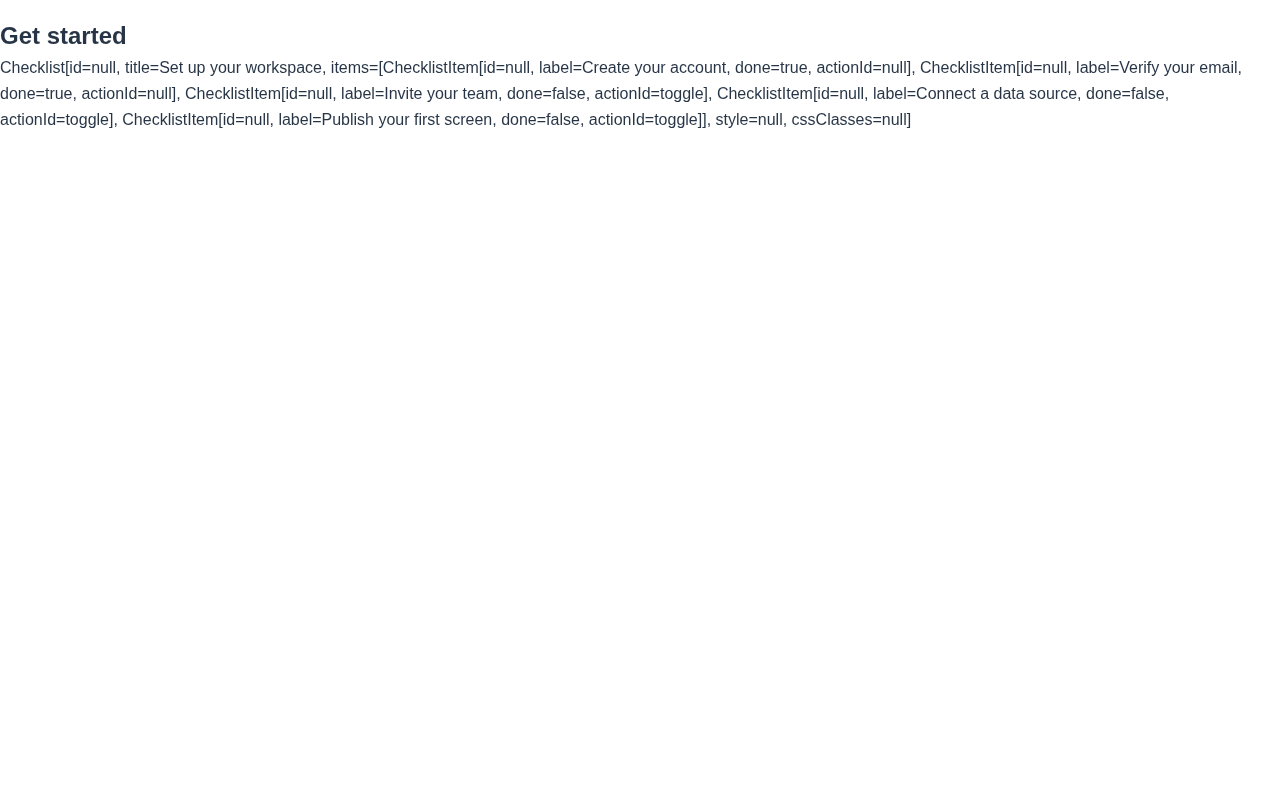
The renderer is dependency-free, themes through the standard CSS variables and works in dark mode. Toggling updates the progress bar immediately; the server round-trip (via actionId) is optional for persistence.
When to use it
Section titled “When to use it”Use a Checklist for tasks with completion state. For a linear multi-step process indicator use ProgressSteps; for a kanban of work items use Kanban. Demo: /checklist-demo.