Micronaut
Step 1: Have a Micronaut project
Section titled “Step 1: Have a Micronaut project”Obviously you need a valid Micronaut project. If you do not have it already, you should create it from IntelliJ.
Step 2: Add Mateu dependencies
Section titled “Step 2: Add Mateu dependencies”In case you are using maven:
<dependency> <groupId>io.mateu</groupId> <artifactId>micronaut-core</artifactId> <version>3.0-alpha.289</version></dependency> <!-- you need the one below if you want to also serve the static content --><dependency> <groupId>io.mateu</groupId> <artifactId>vaadin-lit</artifactId><!--available artifacts are: vaadin-lit (Vaadin) and redwood (Oracle Redwood / Visual Builder)--> <version>3.0-alpha.289</version></dependency>You also need to add the annotation processor:
<build> <plugins> <plugin> <groupId>org.apache.maven.plugins</groupId> <artifactId>maven-compiler-plugin</artifactId> <configuration> <annotationProcessorPaths combine.children="append"> <path> <groupId>io.mateu</groupId> <artifactId>annotation-processor-micronaut</artifactId> <version>3.0-alpha.289</version> </path> </annotationProcessorPaths> </configuration> </plugin> </plugins></build>Or, in case you are using Gradle:
implementation("io.mateu:micronaut-core:3.0-alpha.289") implementation("io.mateu:vaadin-lit:3.0-alpha.289") annotationProcessor("io.mateu:annotation-processor-micronaut:3.0-alpha.289")Step 3: Create your Mateu UI
Section titled “Step 3: Create your Mateu UI”Nothing special is required. Your application class stays as usual:
public class Application {
    public static void main(String[] args) {        Micronaut.run(Application.class, args);    }}
Mateu’s beans, bean introspections and JSON serialization ship inside the micronaut-core jar and are
discovered from the classpath, and static content is served by micronaut’s default static resources,
so no annotations nor extra configuration properties are needed.
Just annotate your class with @UI:
package com.example.demo;
import io.mateu.uidl.annotations.UI;
@UI("")public class HelloWorld {
}
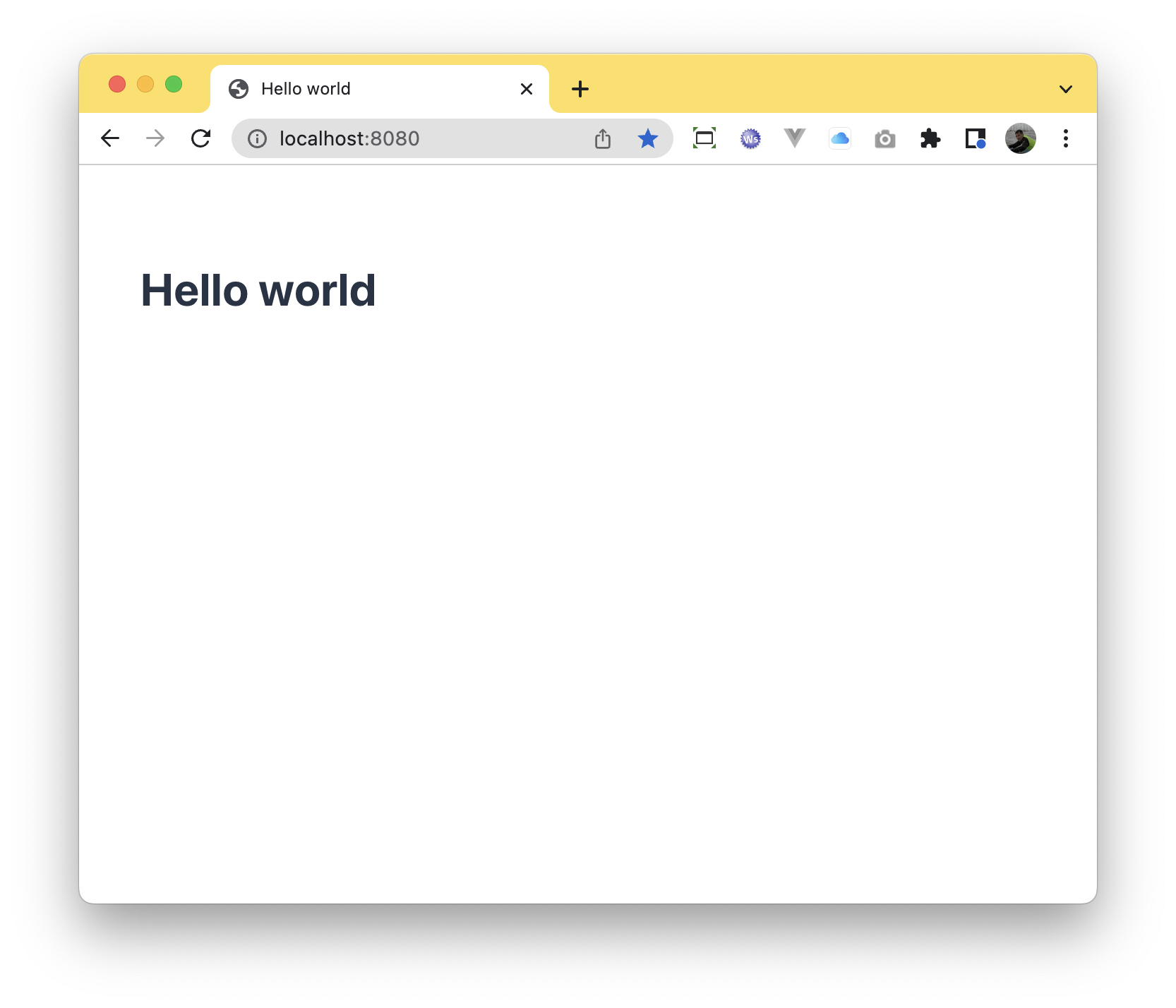
When you run your micronaut application, you will find your ui at http://localhost:8080 (for the code above) as expected: