

Admin panel
Build a full CRUD UI from a Java model.
This case is meant to do two things at once:
- show the result
- show exactly what code produces it
What this case teaches
Section titled “What this case teaches”- model → form + list
- validation → UI
- repository + orchestrator → CRUD
Quick read
Section titled “Quick read”This example has three pieces:
- a
Productmodel - a
ProductStore - a
ProductsUI class
Together they generate a complete CRUD UI.
Full code
Section titled “Full code”package io.mateu.mdd.demoadminpanel.infra.in.ui;
import io.mateu.core.infra.declarative.orchestrators.crud.AutoCrud;import io.mateu.uidl.annotations.EditableOnlyWhenCreating;import io.mateu.uidl.annotations.HiddenInList;import io.mateu.uidl.annotations.Status;import io.mateu.uidl.annotations.StatusMapping;import io.mateu.uidl.annotations.Stereotype;import io.mateu.uidl.annotations.UI;import io.mateu.uidl.data.FieldStereotype;import io.mateu.uidl.data.StatusType;import io.mateu.uidl.interfaces.CrudStore;import io.mateu.uidl.interfaces.Identifiable;import jakarta.validation.constraints.NotEmpty;import jakarta.validation.constraints.NotNull;
import java.util.HashMap;import java.util.List;import java.util.Map;import java.util.Optional;
enum ProductStatus { Available, OutOfStock}
record Product( @NotEmpty @EditableOnlyWhenCreating String id, @NotEmpty String name, @Stereotype(FieldStereotype.textarea) @HiddenInList String description, @NotNull @Status( defaultStatus = StatusType.NONE, mappings = { @StatusMapping(from = "Available", to = StatusType.SUCCESS), @StatusMapping(from = "OutOfStock", to = StatusType.DANGER) } ) ProductStatus status) implements Identifiable {
@Override public String toString() { return name != null ? "Product " + name : "New product"; }}
class ProductStore implements CrudStore<Product> {
private static final Map<String, Product> db = new HashMap<>();
@Override public Optional<Product> findById(String id) { return db.containsKey(id) ? Optional.of(db.get(id)) : Optional.empty(); }
@Override public String save(Product entity) { db.put(entity.id(), entity); return entity.id(); }
@Override public List<Product> findAll() { return db.values().stream().toList(); }
@Override public void deleteAllById(List<String> selectedIds) { selectedIds.forEach(db::remove); }}
@UI("/products")public class Products extends AutoCrud<Product> {
@Override public CrudStore<Product> store() { return new ProductStore(); }}What Mateu generates by default
Section titled “What Mateu generates by default”With AutoCrud, Mateu generates more than a listing.
The default CRUD flow is:
/products→ list/products/:id→ readonly detail view/products/:id/edit→ edit view/products/new→ create view
The default action in the listing is usually View, not Edit.
That means the normal navigation is:
- open the list
- open the readonly detail view
- continue to edit if needed
See CRUD navigation flow for the full routing details.
Walkthrough
Section titled “Walkthrough”Product list
Section titled “Product list”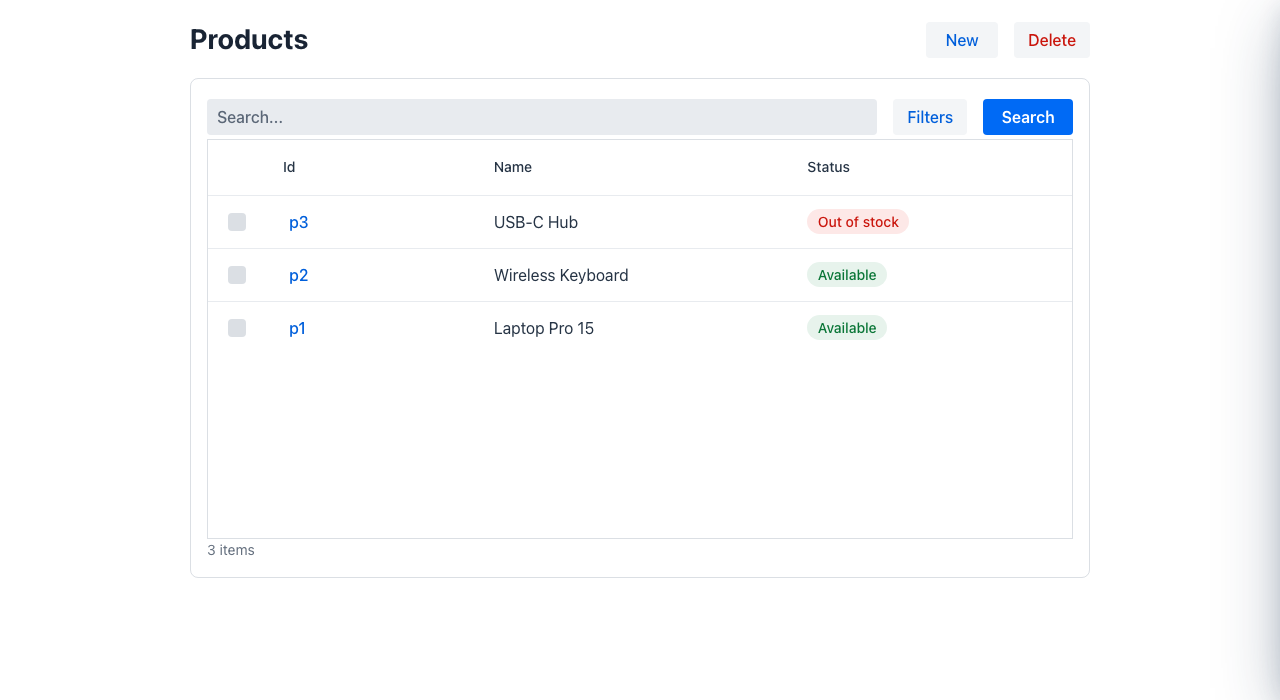
The list is generated automatically from the model and repository.
New product form
Section titled “New product form”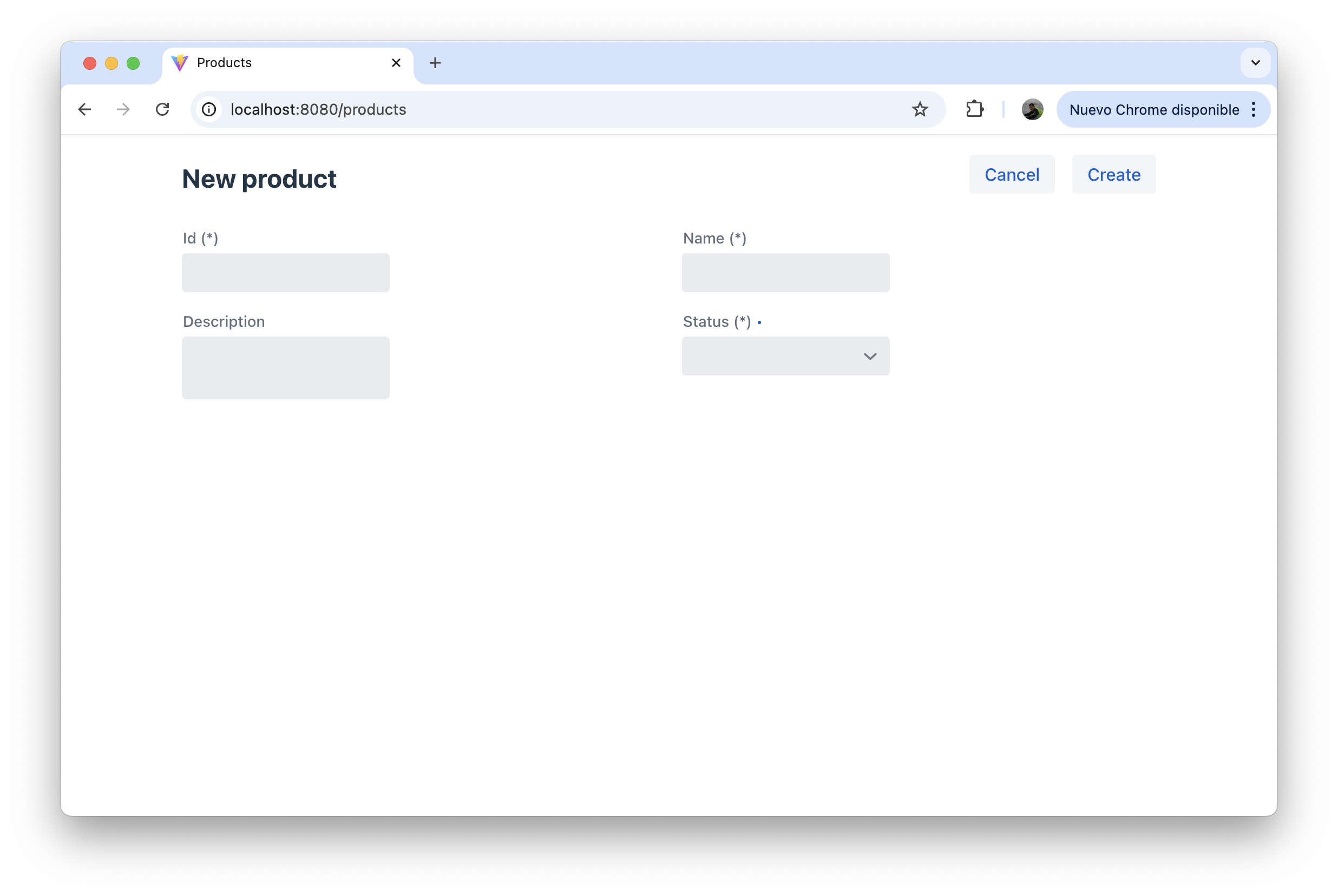
Filled form
Section titled “Filled form”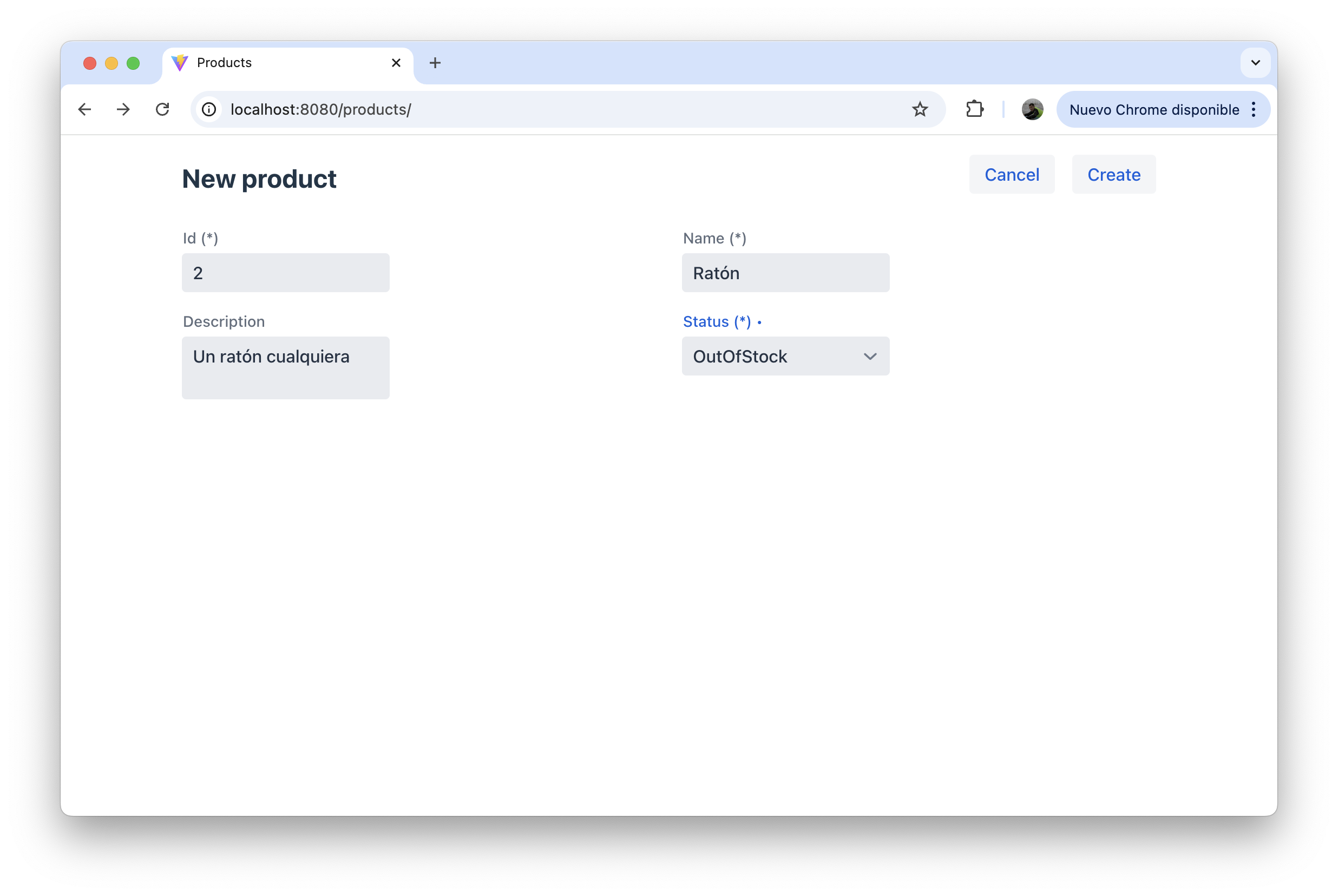
Save feedback
Section titled “Save feedback”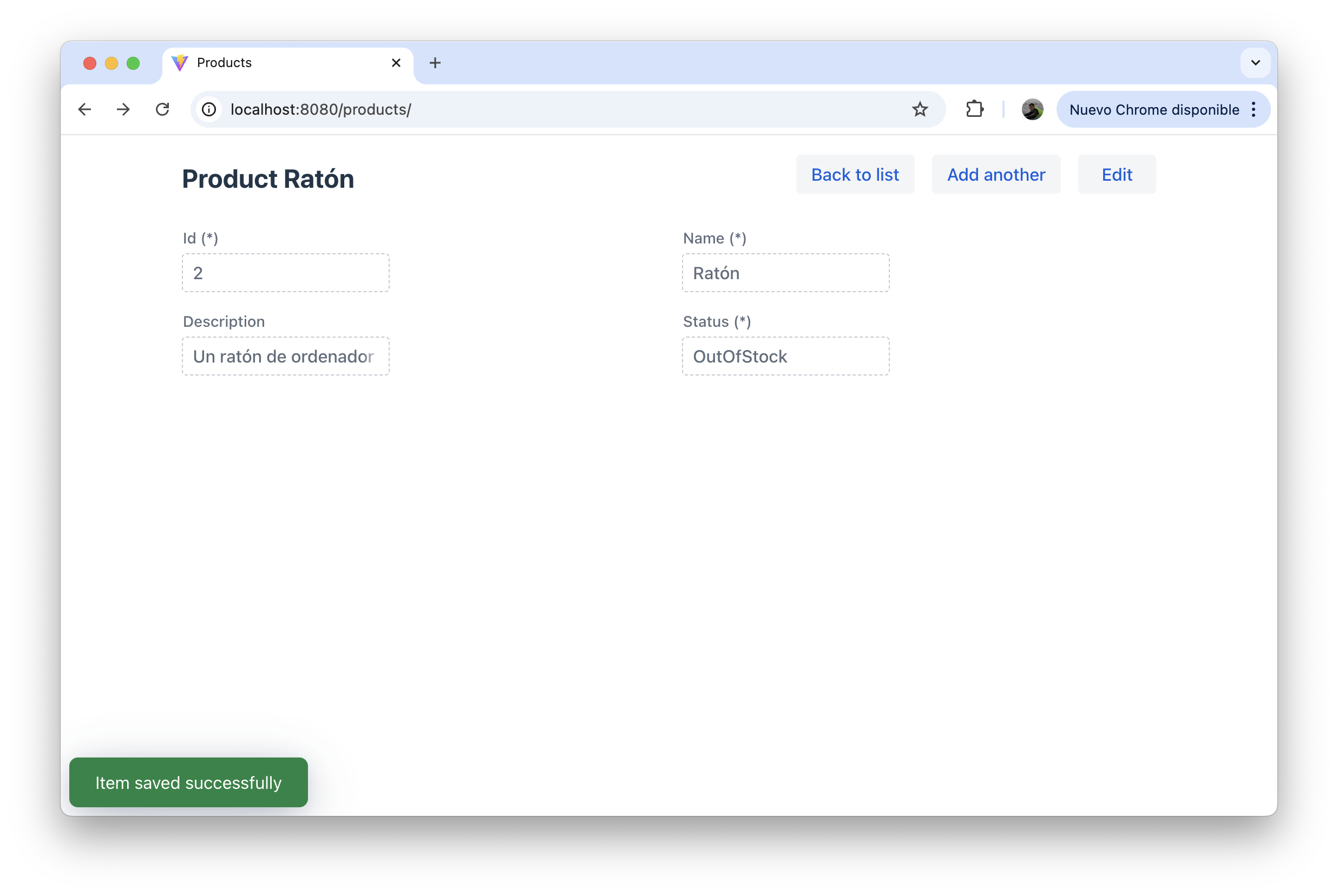
Back to list
Section titled “Back to list”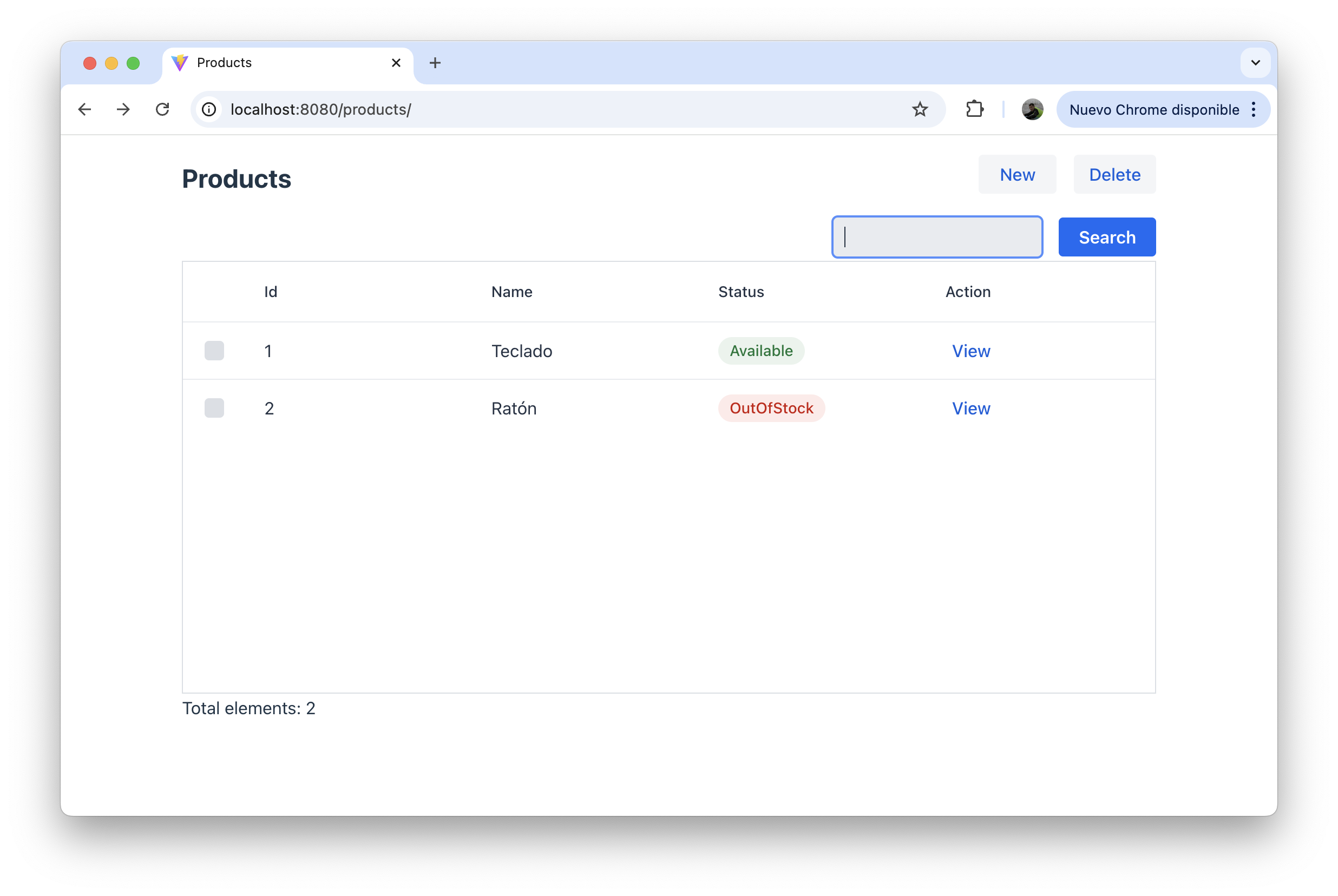
Delete flow
Section titled “Delete flow”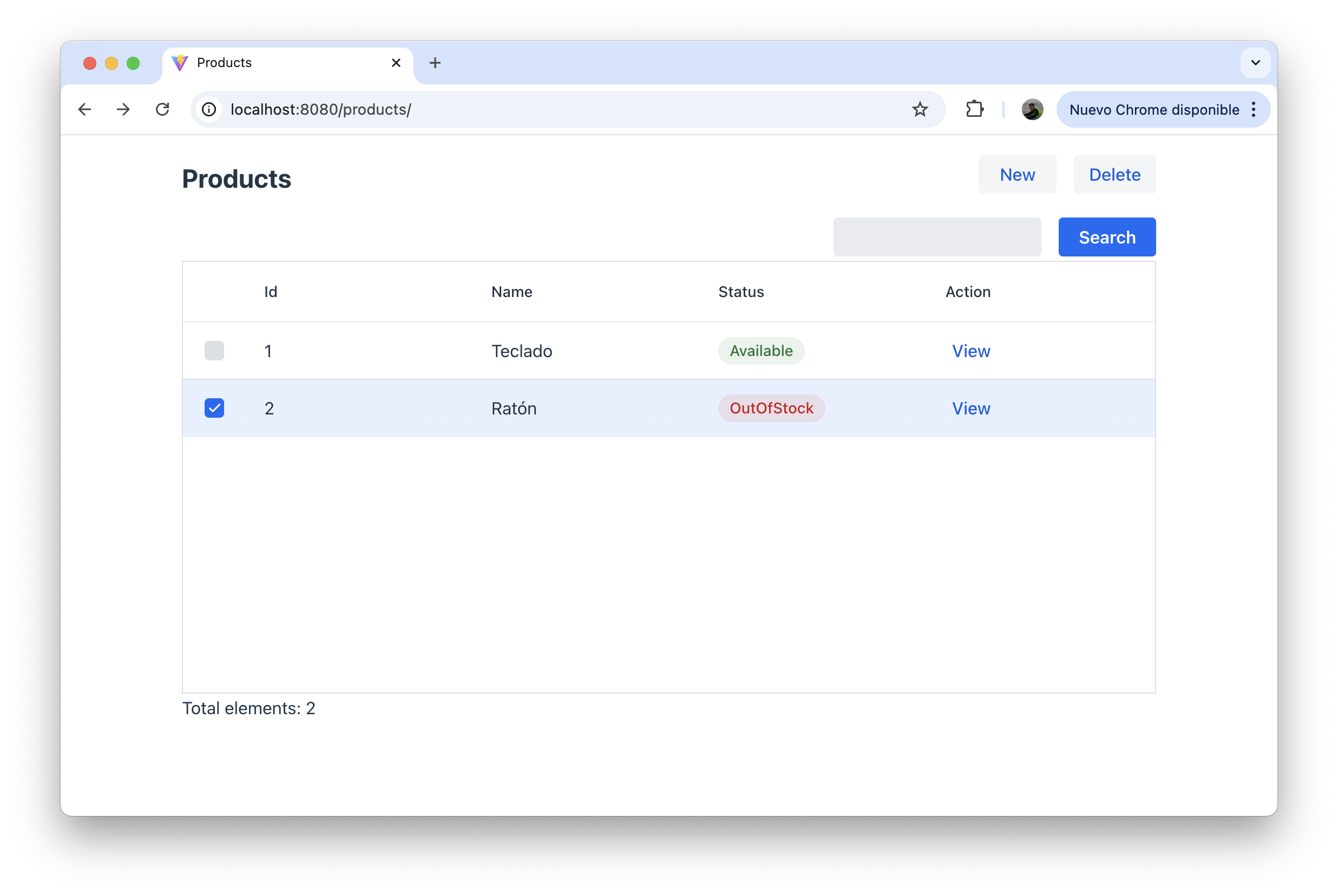
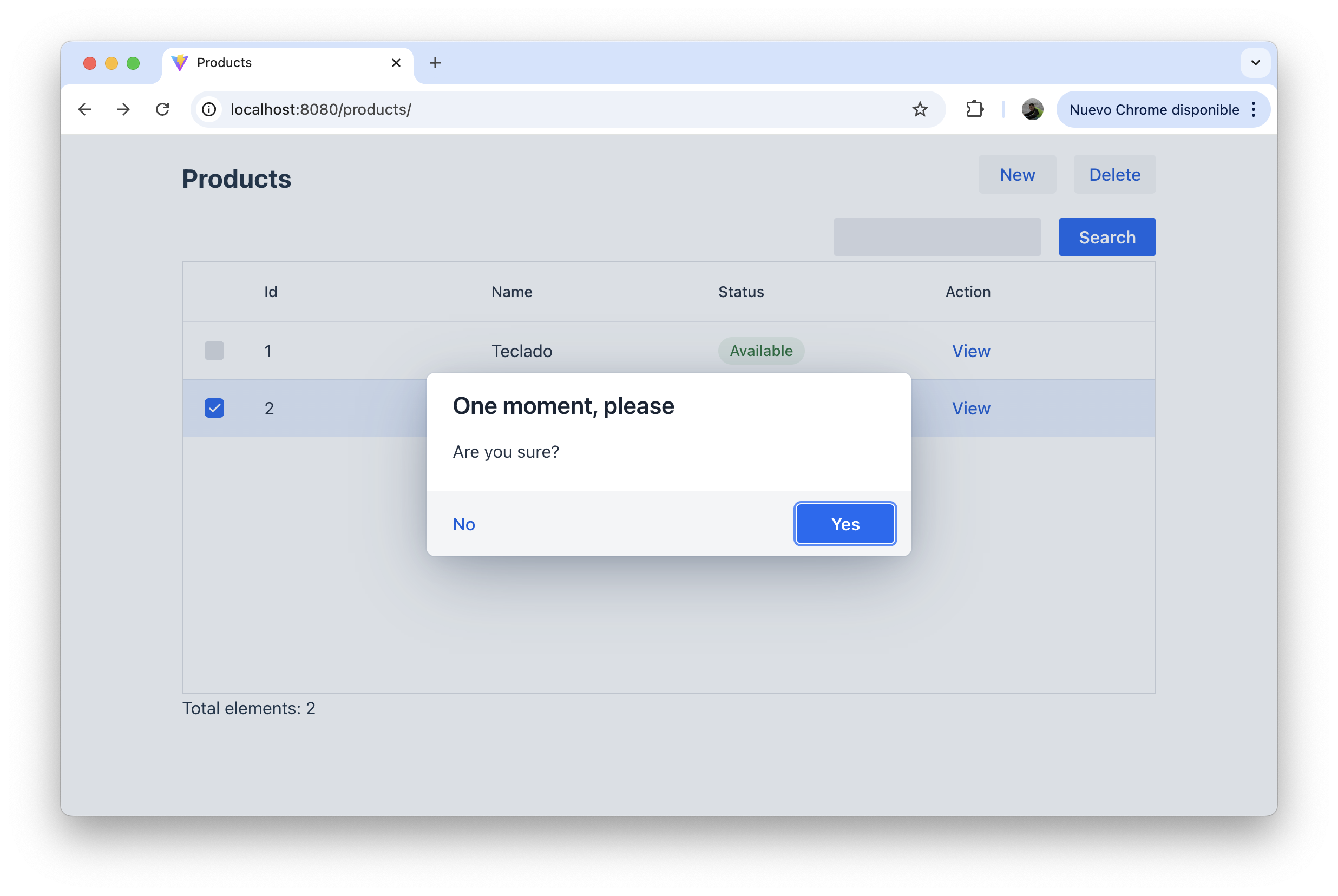
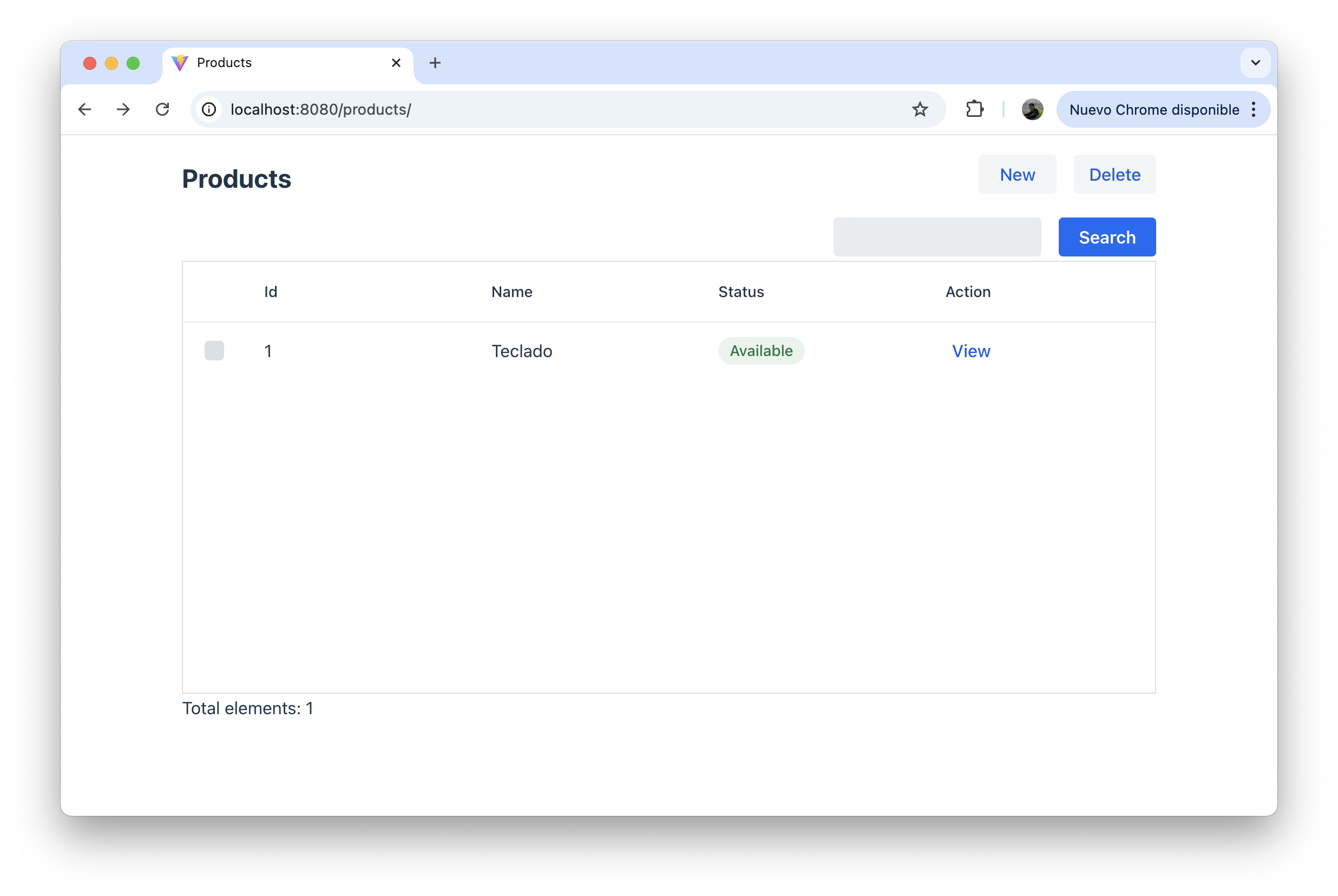
Going further: column actions
Section titled “Going further: column actions”The Products example also shows how to add per-row actions in the listing.
Add a ColumnActionGroup field to the model and initialize it in the compact constructor:
record Product(        @NotEmpty @EditableOnlyWhenCreating String id,        @NotEmpty String name,        @Stereotype(FieldStereotype.textarea)        @HiddenInList String description,        boolean certified,        @NotNull        @Status(                defaultStatus = StatusType.NONE,                mappings = {                        @StatusMapping(from = "Available", to = StatusType.SUCCESS),                        @StatusMapping(from = "OutOfStock", to = StatusType.DANGER)                }        )        ProductStatus status,        ColumnActionGroup action,        @Colspan(2)        List<ProductComponent> components) implements Identifiable, LookupOptionsSupplier {
    Product {        action = new ColumnActionGroup(new ColumnAction[]{                new ColumnAction("setAsBlue", "Set as blue"),                new ColumnAction("setAsGreen", "Set as green")        });    }}
Then add handler methods with matching names in the orchestrator:
@UI("/products")public class Products extends AutoCrud<Product> {
    @Override    public CrudStore<Product> store() {        return new ProductStore();    }
    void setAsBlue(Product row) {        // called when "Set as blue" is clicked for a row    }
    void setAsGreen(Product row) {        // called when "Set as green" is clicked for a row    }
    @ListToolbarButton    void doSomethingOnRows(List<Product> selection) {        // called when the toolbar button is clicked with selected rows    }}
ColumnAction("actionId", "Label")— single action button per rowColumnActionGroup— group of action buttons per row- The method name in the orchestrator must match the
actionId @ListToolbarButtonadds a button to the list toolbar that receives all selected rows
Going further: nested collections in the form
Section titled “Going further: nested collections in the form”The List<ProductComponent> field in the Product model renders as an inline editable table inside the detail form.
public record ProductComponent( String code, int quantity, @Lookup(bubble = true) String relatedComponentCode, boolean special, @Hidden("!state['special']") String comment) {}Key points:
@Lookup(bubble = true)shows a lookup widget without opening a separate page@Hidden("!state['special']")hidescommentunlessspecialis checked — the expression is evaluated in the browser as the user changes values@Colspan(2)on thecomponentsfield inProductmakes the table span the full width
The nested table works the same as any collection field: Mateu adds add/remove buttons and renders each child’s fields as columns.
Mental model
Section titled “Mental model”- model → data + UI definition
- annotations → behavior and rendering hints
- repository → persistence
- orchestrator → full CRUD flow
ColumnAction/ColumnActionGroup→ per-row actions; handler methods go in the orchestrator@ListToolbarButton→ batch action on selected rowsList<ChildRecord>→ inline editable nested table