

Action panel ("I want to…")
Status: ✅ Implemented
Intent
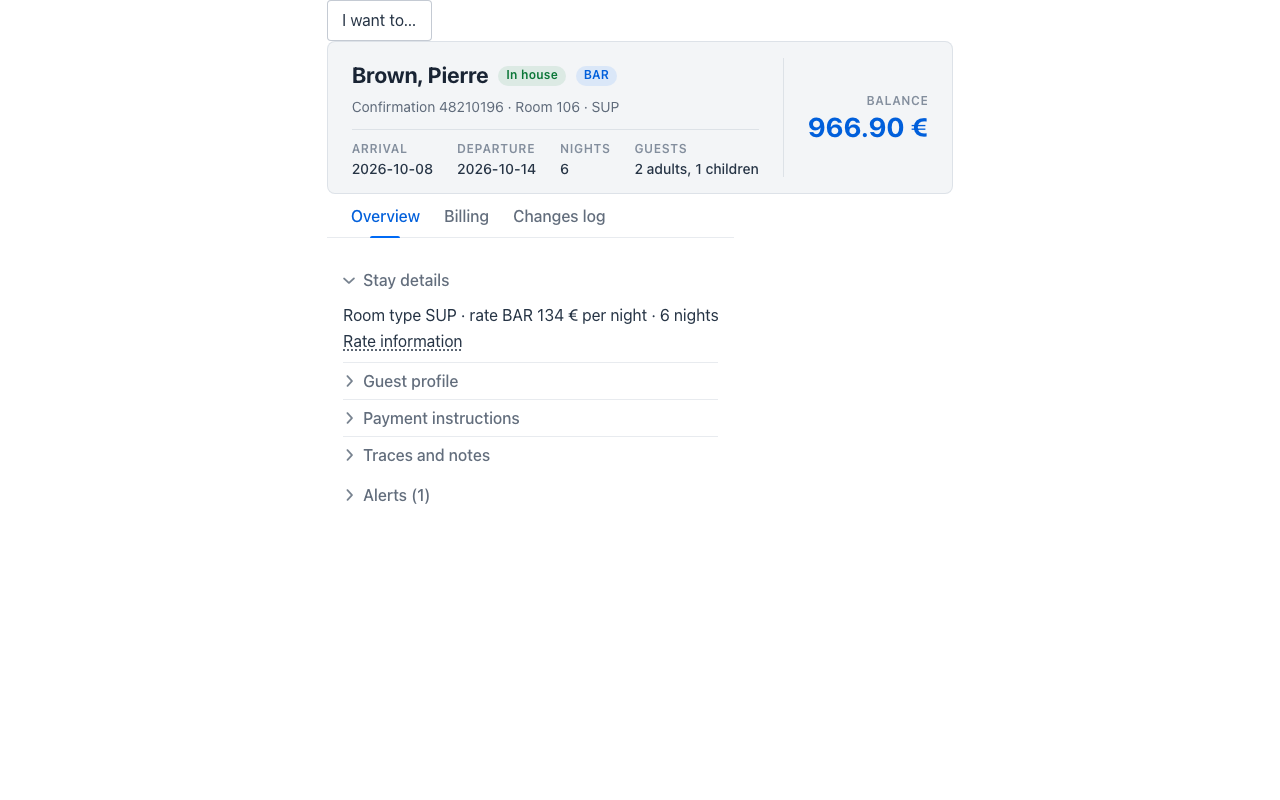
Section titled “Intent”Back-office records accumulate dozens of actions — modify the routing, add a trace, copy the reservation, open the folio history, go to billing. A toolbar cannot hold them and a flat menu hides how they relate. The pattern used by hospitality and ERP suites (OPERA Cloud’s “I Want To…”) is a layer over the page with the actions grouped by category in columns, the ones with data behind them listed first and emphasised, and a keyboard shortcut to open it.
Solution
Section titled “Solution”Return an ActionPanel anywhere in the page’s components. Each ActionPanelCategory is a column; each ActionPanelItem dispatches its actionId (with its parameters) through the standard action mechanism, exactly like a button — so an @Action method with that name runs.
ActionPanel.builder() .shortcut("ctrl+i") .hideUnpopulatedToggle(true) .categories(List.of( new ActionPanelCategory("Modify", List.of( ActionPanelItem.builder().label("Traces").actionId("traces").count(2).build(), new ActionPanelItem("Routing", "routing"))), new ActionPanelCategory("Go to", List.of( ActionPanelItem.builder().label("Billing").actionId("goTo") .parameters(Map.of("target", "billing")).build())))) .build()State-dependent actions need nothing special: the server builds the panel, so it includes (or disables) what applies to the record’s current state — Check in for an arriving reservation, Check out for one in house.
Options
Section titled “Options”| Parameter | Effect |
|---|---|
label | the trigger’s text — defaults to I want to… |
shortcut | opens the panel from the keyboard (ctrl+i; matched by key or physical key, so it is keyboard-layout independent) |
maxPerCategory | actions shown per column before Show more (default 10) |
hideUnpopulatedToggle | adds a Hide unpopulated switch that hides the actions without data, and the columns it leaves empty |
item populated | the action has data behind it: listed first and in bold |
item count | shown next to the label (Traces (2), 25+ above 25); a count above zero implies populated |
item disabled | shown but not actionable |
Opening, Show more and Hide unpopulated are client-side state: no server round trip. Picking an action closes the layer.
Where it works
Section titled “Where it works”- Vaadin — the shared
mateu-action-panelelement (modal layer with focus trap, Esc closes). - Redwood (Oracle VB) — JET’s
oj-dialogwithoj-buttons and anoj-switchfor Hide unpopulated. - React Native and the IntelliJ plugin — native modal / dialog with the same ordering and cut.
- Also available from the C# (
new ActionPanel { Categories = … }) and Python (fluent.ActionPanel(categories=…)) backends.
Related
Section titled “Related”- Keyboard shortcuts
- Bulk actions — actions over the selected rows of a listing