

Task progress
Status: ✅ Implemented
Intent
Section titled “Intent”Tell the operator how far along a repeated subtask is and pull them into the next one — “reservation with 4 pax, 1 registered, add the next” — as a banner that cannot be missed, instead of a counter buried in a corner.
Solution
Section titled “Solution”Use the TaskProgress component: a label, integer total and done counts (rendered as 1/4 2/4 3/4 4/4 pills, filled up to done), and an optional right-aligned button (actionLabel + actionId). While incomplete the banner is warning-tinted; when done == total it turns success-tinted and the button disappears.
@Section("Guests")Component pax = TaskProgress.builder() .label("Booking for 4 guests. Register the additional guests.") .total(4).done(1) .actionLabel("Add next guest").actionId("addPax") .build();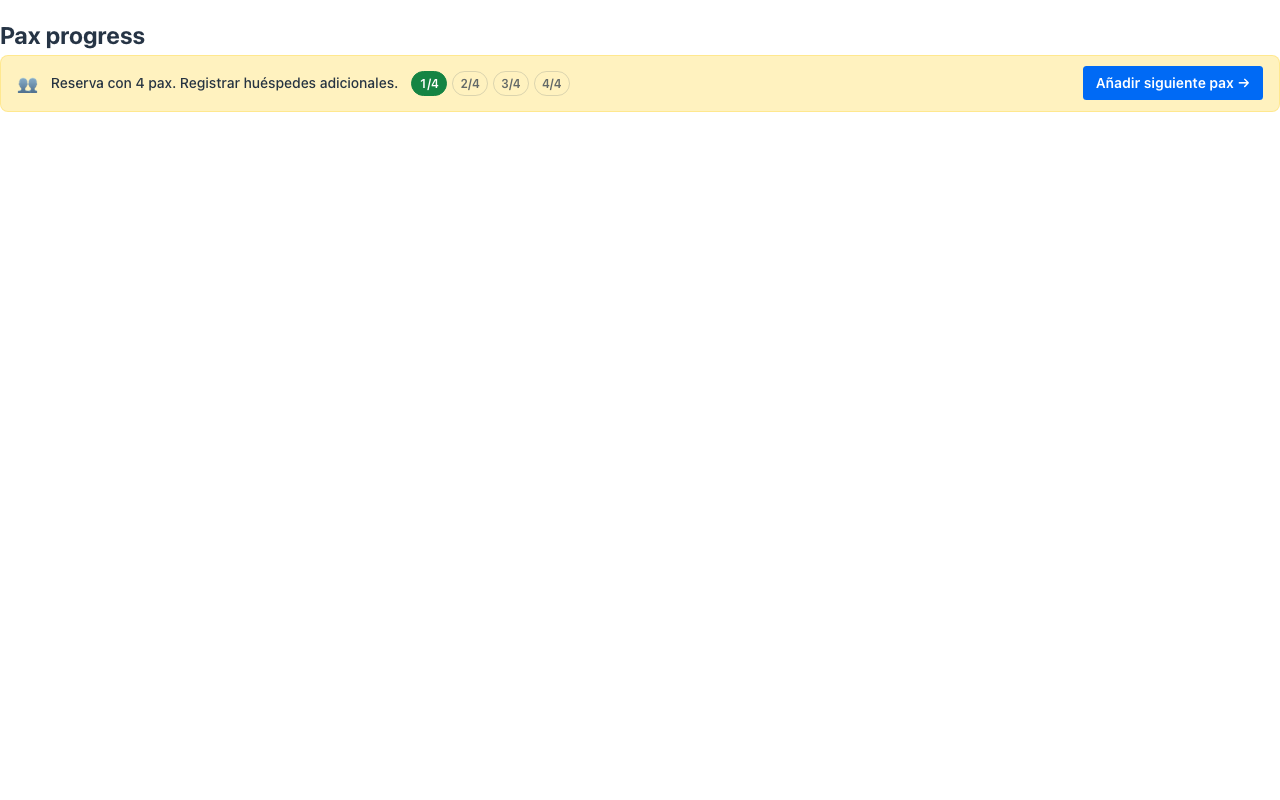
Clicking the button dispatches the standard action-requested event with the component’s actionId and no parameters — typically an @Action method that opens the next subtask (e.g. the registration form for the next guest). The button is hidden when actionLabel/actionId are absent.
When to use it
Section titled “When to use it”Use TaskProgress when a task contains a known number of identical subtasks and you want completion status plus a one-click path to the next one. For the stage of a linear flow use Progress steps; for heterogeneous pending items use a Status list. See it composed into a whole screen in Front-office screens. Demo: /task-progress-demo.