

Task queue
Status: ✅ Implemented
Intent
Section titled “Intent”Give the operator their work for the shift as a vertical rail of grouped cards — “Llegadas hoy”, “Salidas hoy”, “En hotel” — so picking the next item is one click and the current one stays visibly selected while they work on it.
Solution
Section titled “Solution”Use the TaskQueue component: a component-level actionId plus a list of QueueGroups (small-caps label + QueueItems). Each item card shows a title, a muted caption and a row of badge-palette Chips; selected(true) marks the item currently being worked on (accent border + tint).
@Section("Salidas hoy")Component queue = TaskQueue.builder() .actionId("openGuest") .groups(List.of( QueueGroup.builder().label("En hotel · late check-out primero") .items(List.of( QueueItem.builder().id("1108").title("Carlos Mendoza") .caption("Hab 1108 · 7N") .badges(List.of(Chip.builder().label("LATE · 18:00").color("warning").build())) .selected(true).build())) .build(), QueueGroup.builder().label("Salida pendiente") .items(List.of( QueueItem.builder().id("901").title("Sophie Laurent") .caption("Hab 901") .badges(List.of(Chip.builder().label("GOLD").color("contrast").build())) .build())) .build())) .build();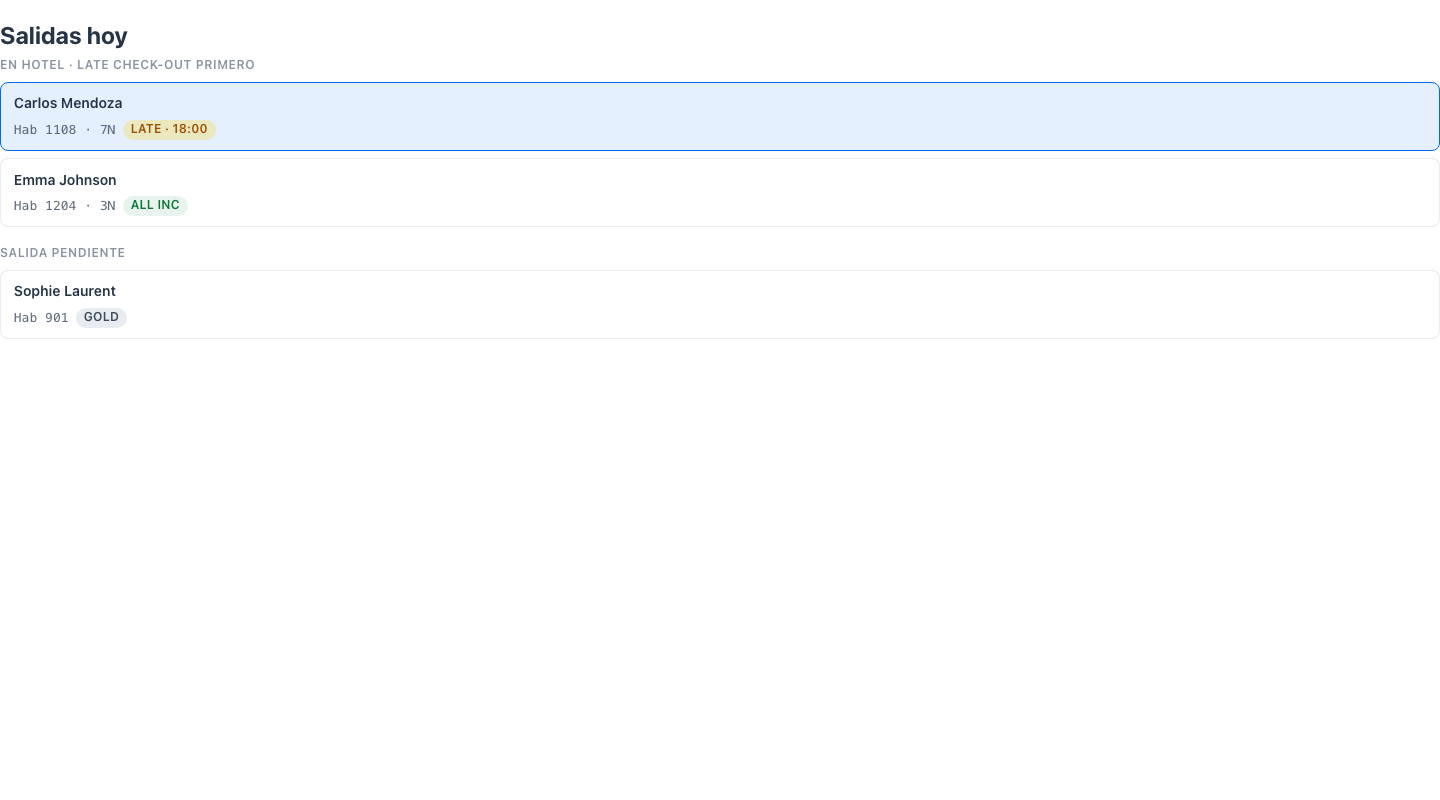
Clicking a card selects it visually and dispatches the standard action-requested event with the component-level actionId and parameters { "_item": id } — typically an @Action method that loads that guest/ticket/case into the main panel.
When to use it
Section titled “When to use it”Use a TaskQueue as the left rail of a workspace: the queue drives which entity the rest of the screen shows. It is the work-queue counterpart of a master list in a Split View, and composes naturally into a Workspace with an Entity header and detail panels — see Front-office screens. For a full searchable collection use a CRUD listing instead. Demo: /task-queue-demo.