

Meter
Status: ✅ Implemented
Intent
Section titled “Intent”Show how much of a limit has been consumed — a folio balance against a preauthorization, storage against a quota, budget spent against allocated — so the operator sees the value and how close it is to the ceiling in one glance.
Solution
Section titled “Solution”Use the Meter component: a small-caps label, a numeric value and max, an optional unit symbol (appended after the formatted number: 1.240,00 €), a muted caption, and optional warnAt / dangerAt thresholds. The fill is value / max clamped to 0..1; its color is success below warnAt, warning at or above it, and error at or above dangerAt (no thresholds → primary color). When caption is empty the computed fill percentage is shown instead.
@Section("Folio")Component balance = Meter.builder() .label("BALANCE ACTUAL") .value(1240.0).max(1800.0).unit("€") .caption("69% de la preautorización consumido") .warnAt(1440.0).dangerAt(1710.0) .build();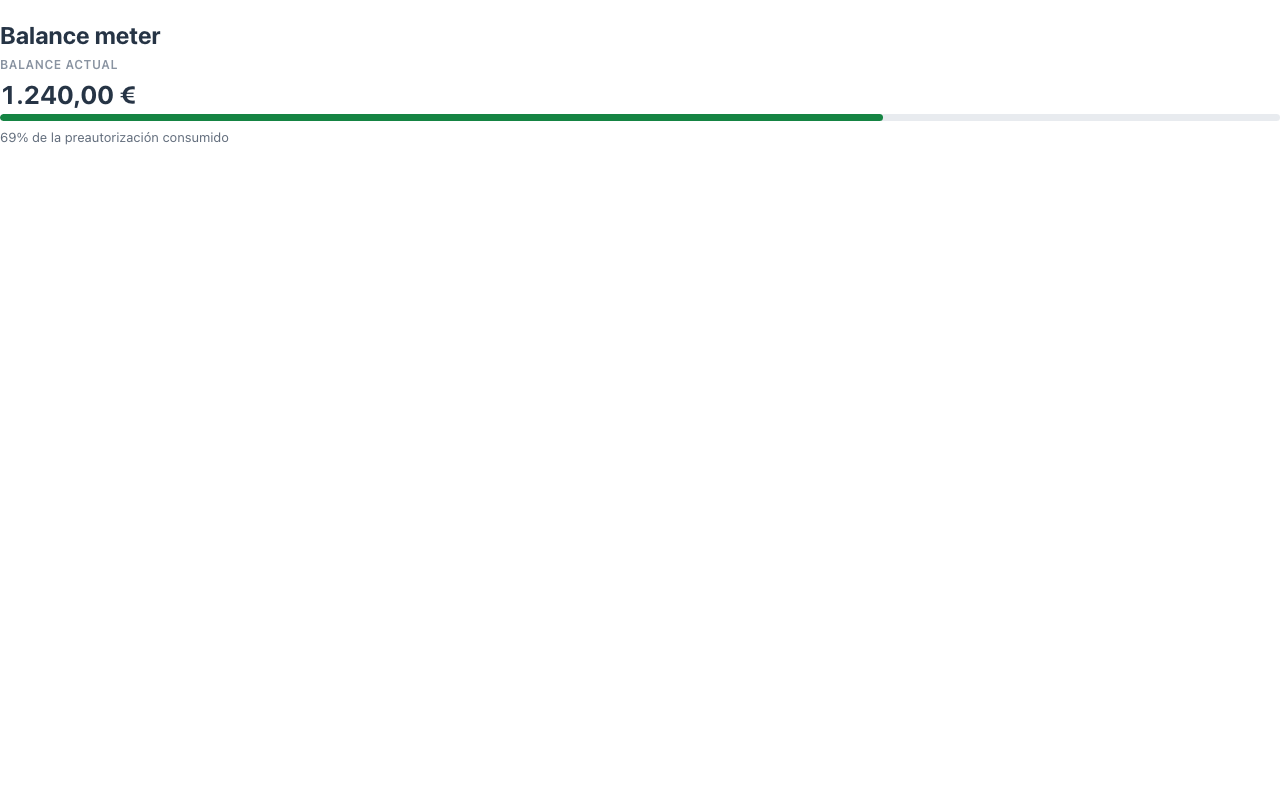
The value is formatted client-side like the money stereotype (thousands separator, two decimals). The component is display-only — it dispatches no actions. The renderer is dependency-free, themes through the standard CSS variables and works in dark mode.
When to use it
Section titled “When to use it”Use a Meter when a value is only meaningful relative to a limit — balance vs preauthorization, occupancy vs capacity, usage vs quota. For a metric with a trend and sparkline use Stat; for dashboard tiles use MetricCard inside a Dashboard. See it composed into a whole screen in Front-office screens. Demo: /meter-demo.