

Navigation and menus
Navigation in Mateu is derived from your object model.
You declare menus as annotated fields. Mateu generates the navigation structure, sidebar, breadcrumbs and routing automatically.
The six kinds of menu entry
Section titled “The six kinds of menu entry”1. ViewModel reference
Section titled “1. ViewModel reference”The most common case. A @Menu field that points to another class generates a menu entry that navigates to that class’s UI.
@MenuProducts products;
@MenuChanges changes;- The class must be annotated with
@UIor@Route - Mateu uses the class name (or
@Title) as the menu label - The instance is created and managed by Mateu (or Spring, if it is a bean)
2. String route
Section titled “2. String route”A @Menu field of type String generates a navigation link to that path.
@MenuString page3 = "/page3";Use this when the target already has a @UI or @Route elsewhere, and you only want a link to it.
3. RouteLink
Section titled “3. RouteLink”A RouteLink lets you specify a route and a custom label explicitly.
@MenuRouteLink page4 = new RouteLink("/page4", "Page 4");Use RouteLink instead of a plain String when you need a label different from the field name.
4. RemoteMenu
Section titled “4. RemoteMenu”A RemoteMenu fetches navigation items from a remote Mateu service.
@MenuRemoteMenu workflow = new RemoteMenu("http://localhost:8105/_workflow");The remote service exposes its own @Menu structure. The shell fetches and merges it into the navigation at runtime.
This is the foundation of the distributed backoffice pattern: each microservice owns its UI, and the shell composes everything.
5. Nested ViewModel (sub-menus)
Section titled “5. Nested ViewModel (sub-menus)”A @Menu field that points to a class which itself has @Menu fields creates a nested menu group.
// In Home2@MenuNestedApp nestedApp;
// NestedApp defines its own sub-menu@Route(value = "/xxx", parentRoute = "/home2")public class NestedApp {
    @Menu    Page1 page1;
    @Menu    Page2 page2;}
NestedApp becomes a menu section header. Page1 and Page2 appear under it.
@Route(parentRoute = "/home2") declares that /xxx is nested under /home2 in the route hierarchy.
6. Empty String (placeholder)
Section titled “6. Empty String (placeholder)”A @Menu String field with no value renders a menu entry using the field name as label, with no navigation target.
@MenuString xxx;Useful as a placeholder during development, or as a section header with no own page.
Full example
Section titled “Full example”@UI("/home2")@Title("My first Mateu app")public class Home2 {
@Menu Products products; // ViewModel → generates list/CRUD UI
@Menu Changes changes; // ViewModel → custom listing
@Menu NestedApp nestedApp; // ViewModel with sub-menus
@Menu String xxx; // Placeholder
@Menu String page3 = "/page3"; // Route string
@Menu RouteLink page4 = new RouteLink("/page4", "Page 4"); // Route + custom label
@Menu RemoteMenu workflow = new RemoteMenu("http://localhost:8105/_workflow"); // Remote}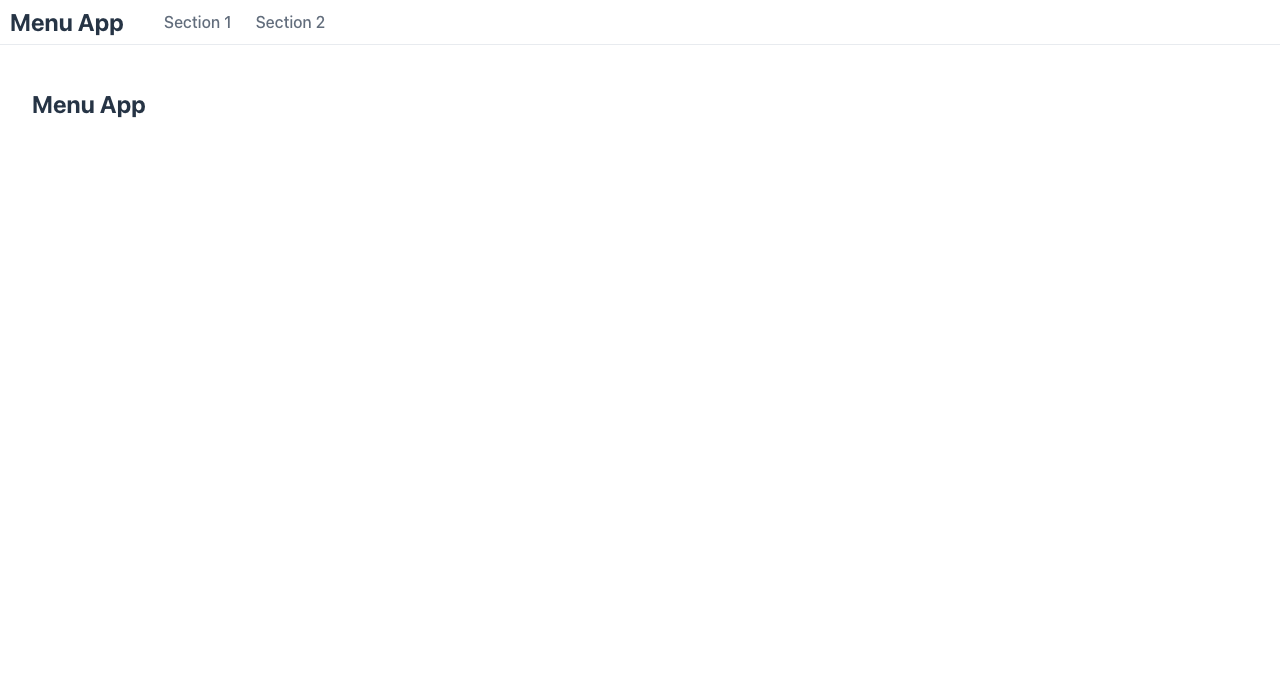
Nesting menus with @Route and parentRoute
Section titled “Nesting menus with @Route and parentRoute”When a class is navigated to from a menu, Mateu needs to know where it sits in the route tree.
Use parentRoute to declare the parent:
@Route(value = "/xxx", parentRoute = "/home2")public class NestedApp {
    @Menu    Page1 page1;
    @Menu    Page2 page2;}
This tells Mateu:
/xxxis a child of/home2- breadcrumbs and back navigation are generated accordingly
Page1andPage2appear as sub-items underNestedAppin the sidebar
Route parameters in navigation
Section titled “Route parameters in navigation”Routes can contain parameters:
@Route("/example/:name")public class ExampleParametersViewModel {
    String name;      // populated from :name in the URL
    int version;
    @ReadOnly    String assessment;
    @Button    void check() {        assessment = "name= " + name + ", version=" + version;    }}
Mateu populates name from the URL segment automatically when the page is navigated to.
@UI vs @Route
Section titled “@UI vs @Route”Both annotations declare that a class is a navigable page. The difference is in context:
| Annotation | Use when |
|---|---|
@UI("/path") | Top-level entry point of the application or a module |
@Route("/path") | A page nested under another @UI, or bound to a CRUD flow |
@UI("/users")                          // top-levelpublic class UsersPage extends AutoCrud<User> {}
@Route(value = "/:id/edit", uis = {"/users"})   // bound to /users CRUDpublic class UserEditorPage {}
Mental model
Section titled “Mental model”@Menufield type determines what kind of entry is generated@Route(parentRoute = ...)declares where a page sits in the route tree@UIdeclares a top-level entry point- Nesting is achieved by pointing
@Menufields at classes that themselves have@Menufields RemoteMenulets the shell pull navigation from another service at runtime
- Domain models — how ViewModels connect to your backend architecture
- CRUD navigation flow — the list → view → edit flow generated by
AutoCrud - Distributed backoffice — using
RemoteMenuto compose UIs across microservices