

Hover details
Status: ✅ Implemented
Intent
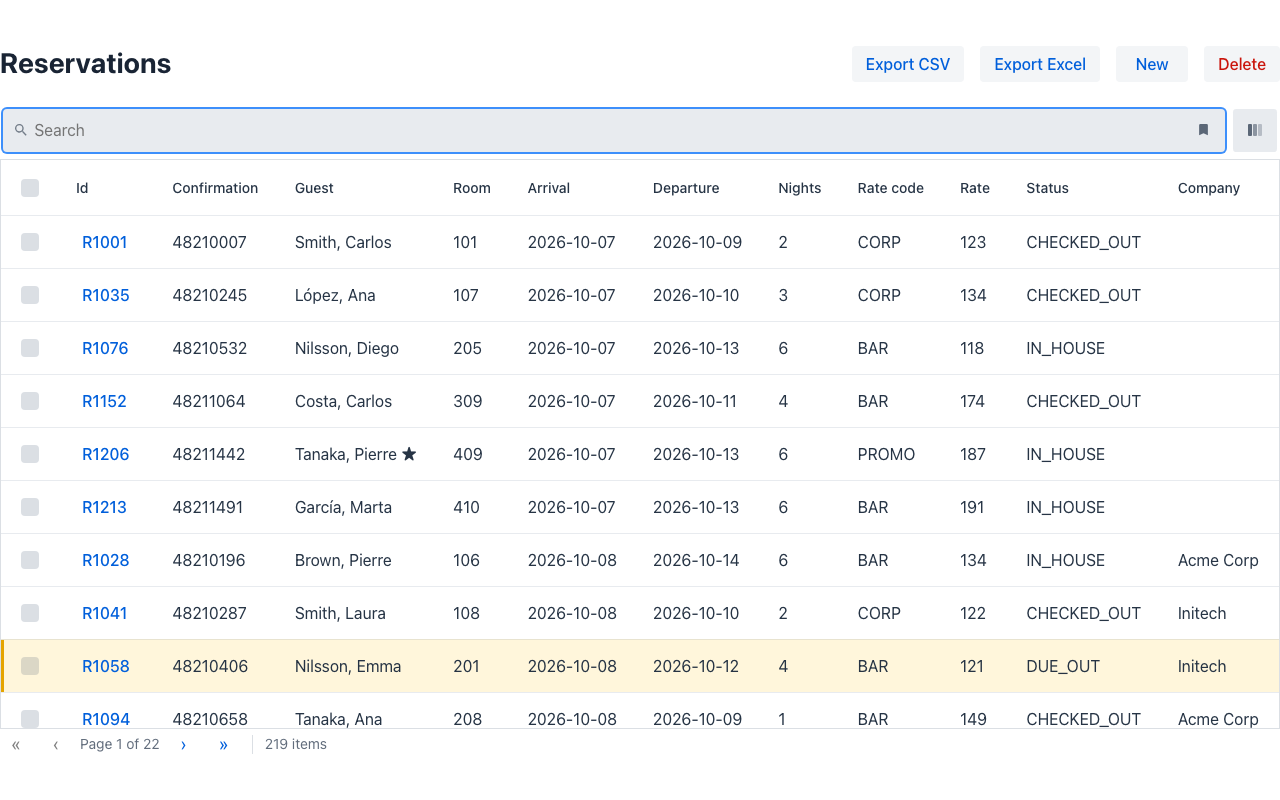
Section titled “Intent”Back-office screens are dense: the rate of a reservation is one number in a column, but the clerk often needs how it was made — night by night, with the weekend supplement. Opening a page for that breaks the flow. The answer is a small panel that appears when pointing at the number (or focusing it from the keyboard) and goes away when the pointer leaves: OPERA Cloud’s rate information and reservation summary popups.
Solution
Section titled “Solution”On a listing cell: @Tooltip("otherField")
Section titled “On a listing cell: @Tooltip("otherField")”Annotate the row field whose cell should explain itself with the name of another field of the row; hovering the cell shows that field’s text, keeping its line breaks:
public record ReservationRecord( String id, String guest, @Tooltip("rateBreakdown") BigDecimal rate, @HiddenInList String rateBreakdown) {} // "BAR · 6 nights\nThu 8 · 134 €\n…"Anywhere: Popover with trigger = hover
Section titled “Anywhere: Popover with trigger = hover”Popover wraps a component and shows its content next to it. By default it opens on click;
with PopoverTrigger.hover it opens on hover and on keyboard focus, non-modal — for read-only
details:
Popover.builder() .id("rateInfo") .trigger(PopoverTrigger.hover) .wrapped(new Text("rateInfoLink", "Rate information")) .content(VerticalLayout.builder().content(breakdownLines).build()) .build();Give each popover an id when a page has several.
Where it works
Section titled “Where it works”- Vaadin —
vaadin-popover(triggerhover + focus; the click popover stays modal) and the grid’svaadin-tooltip. - Redwood — one shared JET
oj-popupopened on hover/focus (or click) for both the popover and the cell; the popover’s content is shown as text lines, and the wrapped component as its text. Inside anoj-tablethe cell detail opens on hover (the table moves keyboard focus between cells, not into them). - IntelliJ plugin — a floating panel (hover/focus, Esc closes) and the table’s tooltip.
- React Native — no hover on a touch screen: a popover opens on press, a cell’s detail on long-press.
- .NET:
Popover { Trigger = PopoverTrigger.Hover },[Tooltip("rateBreakdown")]; Python:Popover(trigger=PopoverTrigger.hover),Annotated[..., Tooltip("rate_breakdown")].
Demo: demo-vb-pms — the Reservations listing’s rate column and the reservation page’s
“Rate information”.