Creating a UI with Mateu is as easy as creating a java class and annotating it with @MateuUI.
Here you have an example:
package com.example.demo;

import io.mateu.core.domain.uidefinition.shared.annotations.MateuUI;

@MateuUI("")
public class HelloWorld {

}
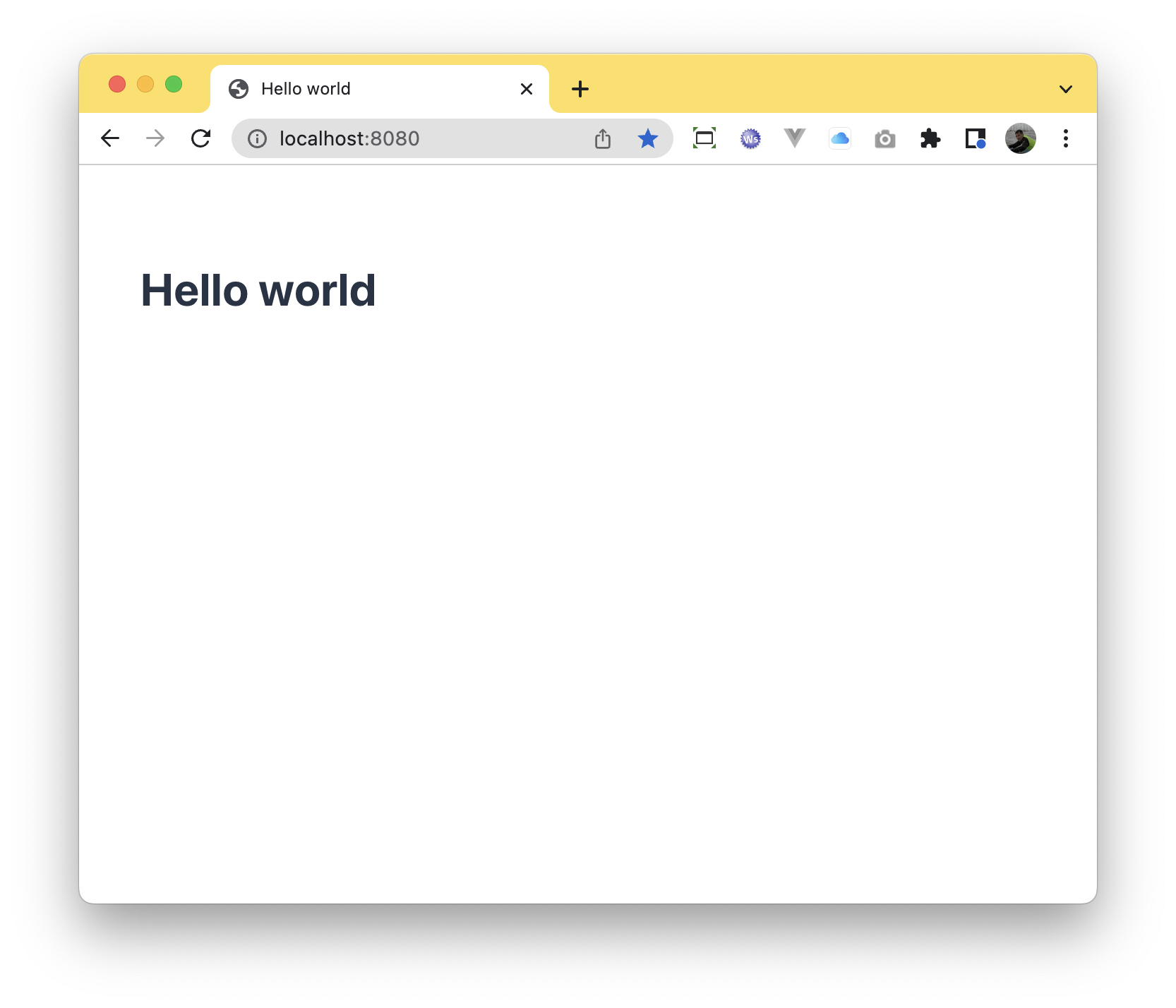
The code above produces the following UI, when you run the microservice and navigate to http://localhost:8080 (or in any port your server listens to):
Context path
The @MateuUI annotation expects just 1 parameter, which is used to know at which url you want the UI to be found at.
So, the following code:
@MateuUI("")
public class HelloWorld {

}
will show the UI if you navigate to hhtp://localhost:8080 while, on the other hand, the following code:
@MateuUI("/hello")
public class HelloWorld {

}
will show the UI if you navigate to hhtp://localhost:8080/hello.
Restrictions on paths
You can create as many UIs as you want, in your project. You only need to be careful that the context path needs to be unique. More specific paths are allowed, though.
Favicon
Another thing you can do on your @MateuUI annotated class is provide a favicon. You can do that in a declarative or imperative way.
- Declarative
- Imperatively
Just annotate your class with @Favicon, as in the example below:
@MateuUI("/hello")
@Favicon("/favicon.png")
public class HelloWorld {

}
Please notice that you can serve static content from your microservice. For springboot, e.g., you just need to place it in your resources/static folder.
If you want to supply your favicon in a more dynamic way, you can just implement the HasFavicon interface as in the example below:
@MateuUI("/hello")
public class HelloWorld implements HasFavicon {

  @Override
  String getFavicon() {
    return "/favicon.png";
  }

}
Page title
Another thing you can do on your @MateuUI annotated class is provide a page title. Again, you can do that in a declarative or imperative way.
If you do not explicitly provide it, Mateu will infer it from the class name so, a UI created from a class like class HelloWorld {} would have a title like Hello World by default.
- Declarative
- Imperatively
Just annotate your class with @PageTitle, as in the example below:
@MateuUI("/hello")
@PageTtle("Hello World")
public class HelloWorld {

}
If you want to declare your UI using a fluent style code you can do so by implementing the UISupplier interface, like in the example below:
@MateuUI("/fluent")
public class FluentUI implements UISupplier {
  @Override
  public UI getUI(HttpRequest httpRequest) {
    return UI.builder()
      .pageTitle("Fluent UI")
      .homeRoute("")
      .build();
  }
}